Your space
for customers
Free during the pilot. No card needed. Sign-up is by invite.
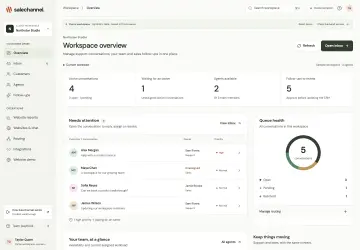
Every customer conversation, in one place.
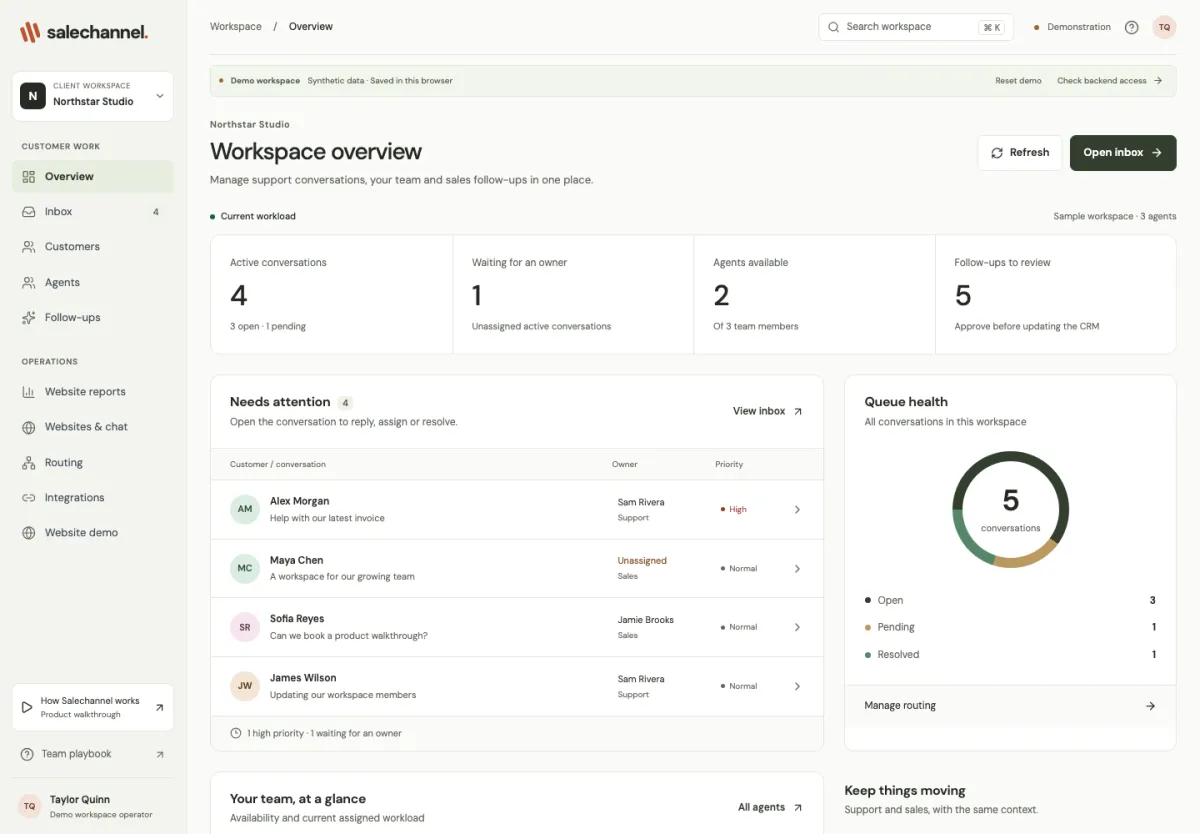
Website chat, WhatsApp and email in one shared inbox.
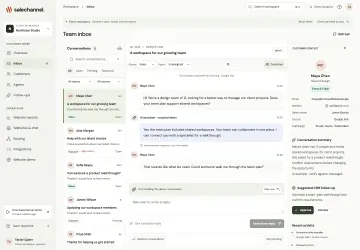
Each customer’s history, deals and follow-ups sit beside the reply, so whoever answers has what they need.
Work the way your team thinks.
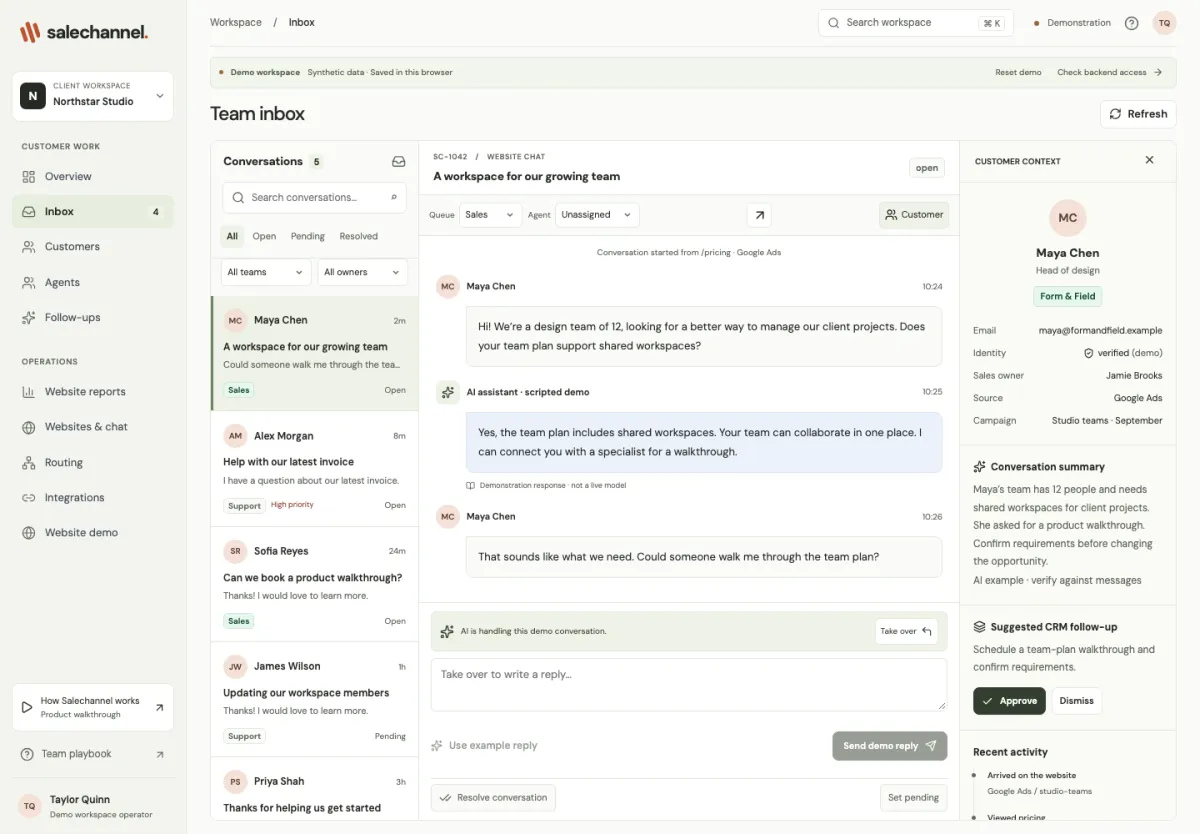
Agents see the person behind every ticket.
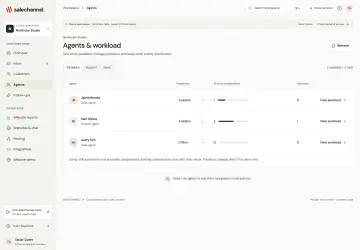
Conversation history, identity, company, campaign source and open tasks stay beside the thread. Handoff is one action, with the context intact.
- Priority and assignment at a glance
- Human takeover pauses AI replies
- Reopen and escalation history stays visible
 How support works
Know who you’re talking to.
Follow one conversation from the first question to the next step.
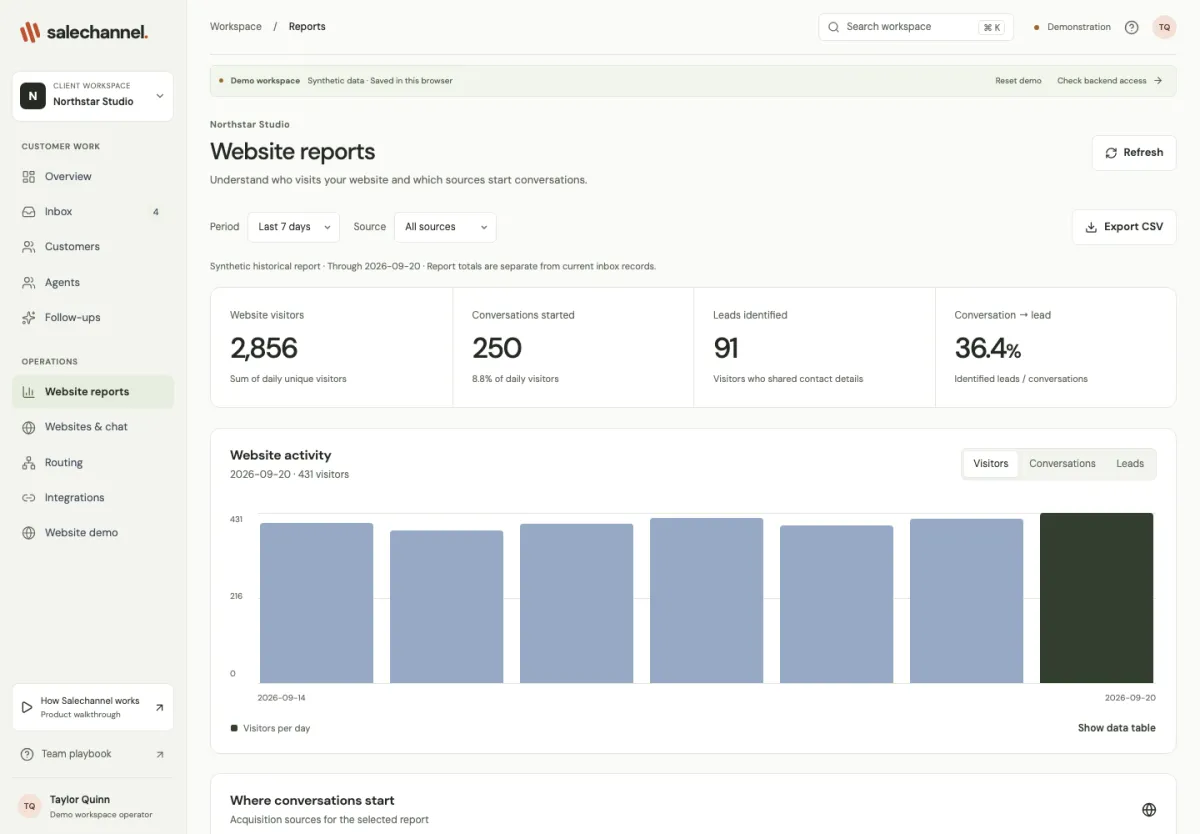
The page and campaign they came from arrive with the conversation.
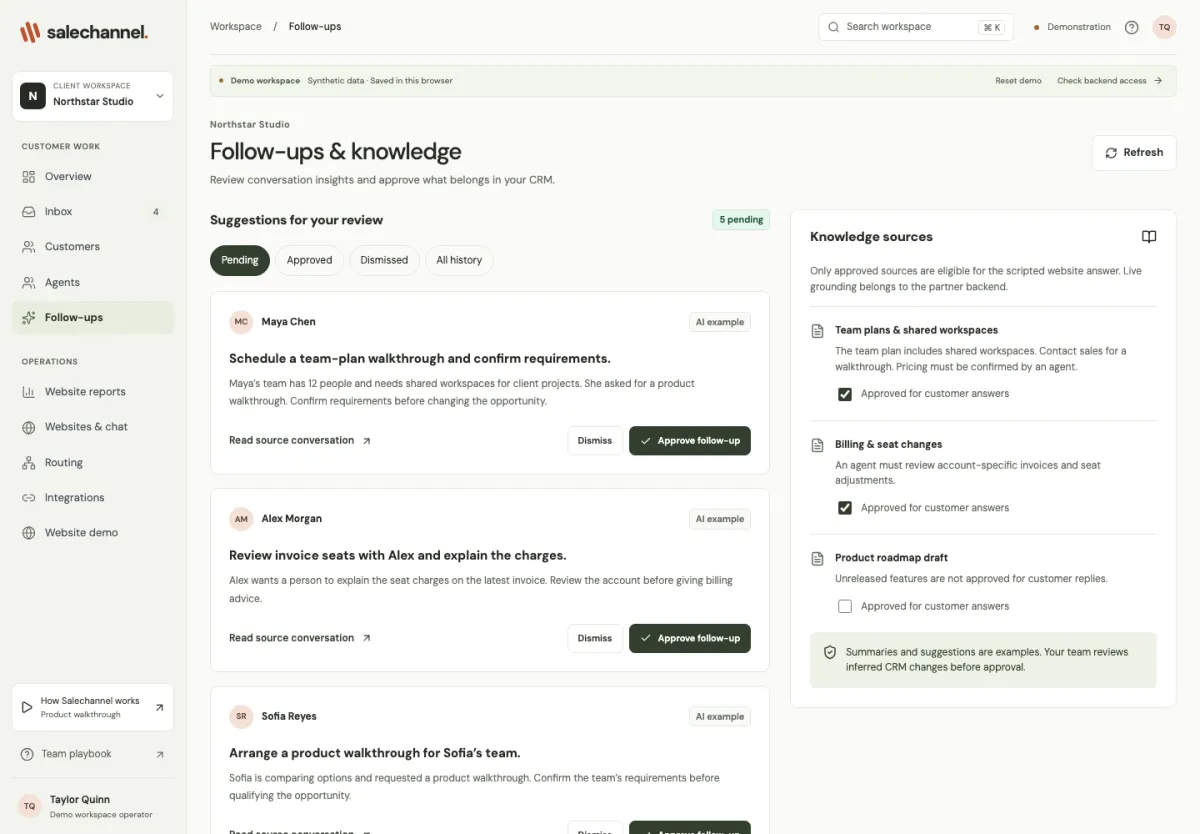
It uses only answers you approved, and a person sends every reply.
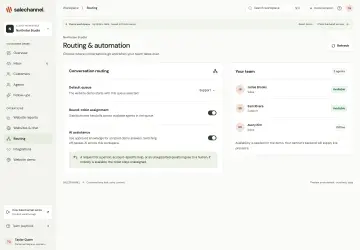
Queues and rules hand it to support or sales, with the whole thread.
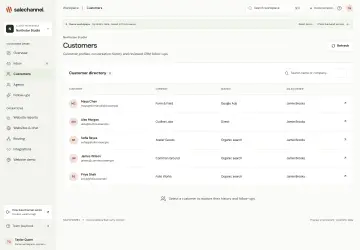
Company, history, source and owner sit beside the conversation.
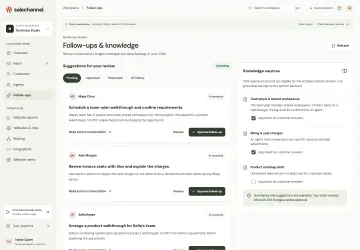
The deal, quote and follow-up task wait for a person to confirm.
Your customers’ data, handled with care.
- HTTPS everywhere
Every page, sign-in and message travels over an encrypted connection.
- Separate data per business
Each business has its own workspace. Staff only see the businesses they belong to.
- Daily encrypted backups
Your workspace is backed up every day, encrypted, kept off-site and restore-tested.
- AI waits for your approval
AI drafts replies. A person approves every message before it reaches a customer.
- AI runs on our own server
Your conversations are not sent to outside AI providers.
- Export everything, any time
Download all of your business data whenever you want it.
- Quotes and invoices in rupees
- GST invoices
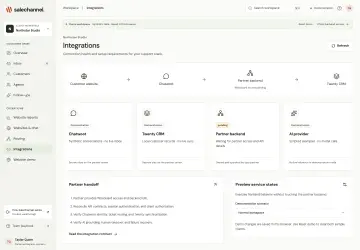
- WhatsApp, website chat and email
- English and Spanish
Salechannel is in an invite-only pilot and free while the pilot runs. No customer logos or made-up numbers here, just what the product does today.
Straight answers about Salechannel.
What is Salechannel?
A shared workspace for support, sales and marketing. Conversations from your website chat, WhatsApp and email land in one inbox, next to the customer’s history, deals and follow-ups.
Which channels does it handle?
Website chat through a small widget on your site, email sent to your workspace’s forwarding address, and WhatsApp through Meta’s WhatsApp Business platform once your business account is connected. Each channel is switched on per business.
Can AI reply to customers on its own?
No. AI drafts replies and summaries, and Autopilot prepares a daily plan and drafts, but a person approves every message before it is sent.
Can I sign in today?
Yes, if you have an invite. Open your invite link, create your account, then set up your business in a few minutes. The pilot is by invitation.
Who can see my customers’ data?
Only people in your business, and only the screens their role allows. Each business’s data is kept separate from every other business.
Can I take my data with me?
Yes. An administrator can export all of your business’s data at any time, so you are never locked in.